Fill
MembersSee what it makes
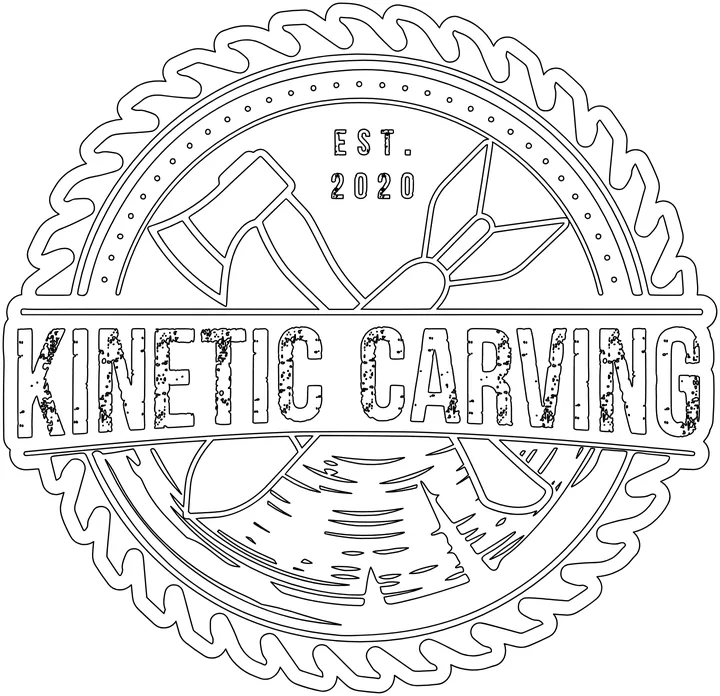
- Black, white or one colorStrokes off, transparent background
- Flip or paint any shapeClick a shape, or drag a box
- PNG, filled SVG and cut lineOn one artboard, so they line up
- In your browserYour file never uploads
How it works
- Drop your SVG. Or press Try the Kinetic Carving logo. Line art with closed shapes fills best.
- Fill does the first pass. Black fill, overlaps cleared, strokes off, and an outer line that wraps the design set as the cut line.
- Adjust what you need. Flip shapes, paint them in as many colors as you like, set the cut line or add a border.
- Download. A transparent PNG, a filled SVG and a cut line SVG, all on one artboard.
Drop your SVG here
Or click to choose one. Line art from Vectric, LightBurn, Illustrator, Inkscape or a trace. Closed shapes fill best.
How it works
- Drop your SVG. Or press Try the Kinetic Carving logo. Line art with closed shapes fills best.
- Fill does the first pass. Black fill, overlaps cleared, strokes off, and an outer line that wraps the design set as the cut line.
- Adjust what you need. Flip shapes, paint them in as many colors as you like, set the cut line or add a border.
- Download. A transparent PNG, a filled SVG and a cut line SVG, all on one artboard.
Kinetic Fill is part of the membership, for members' own projects. Copying, redistributing or reverse engineering this tool is not permitted.